
Create a post
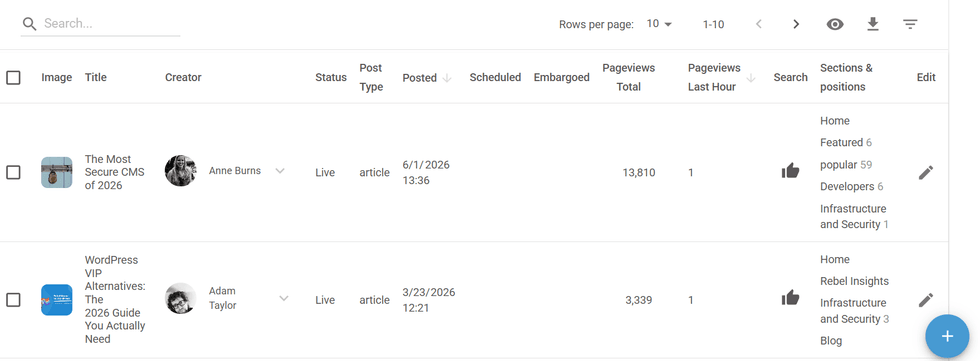
In posts Dashboard - Hit the + (plus) bottom at right corner of the screen after signing in, then Add Post
Basic tools

At the top bar you see the basic tools to
- Save, Duplicate, Delete
- Publish, Schedule (the publishing)
- Preview - while composing see the effect on changes by device
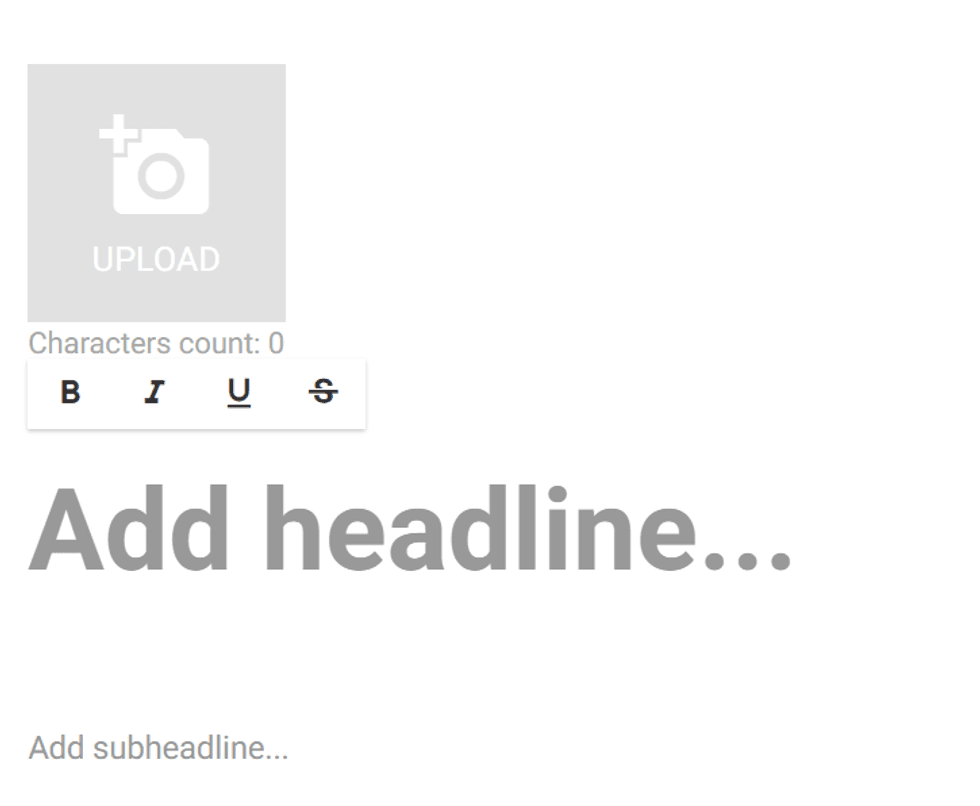
Lead Image, Headline and subheadline
Setup Author(s)
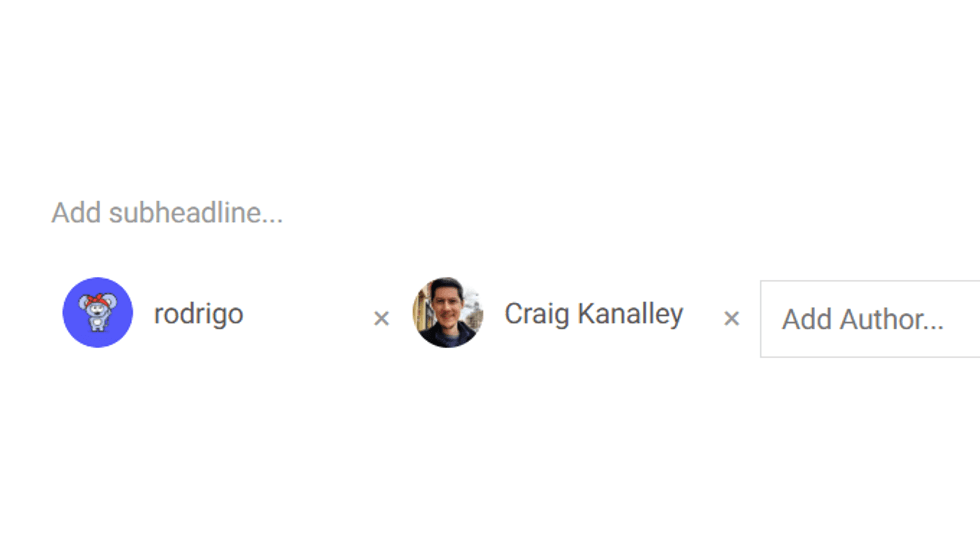
Enter the Author between your editorial registered authors. Use “x” if you need to replace the existing author. You can add additional authors.
Body text


How to Optimize a Post
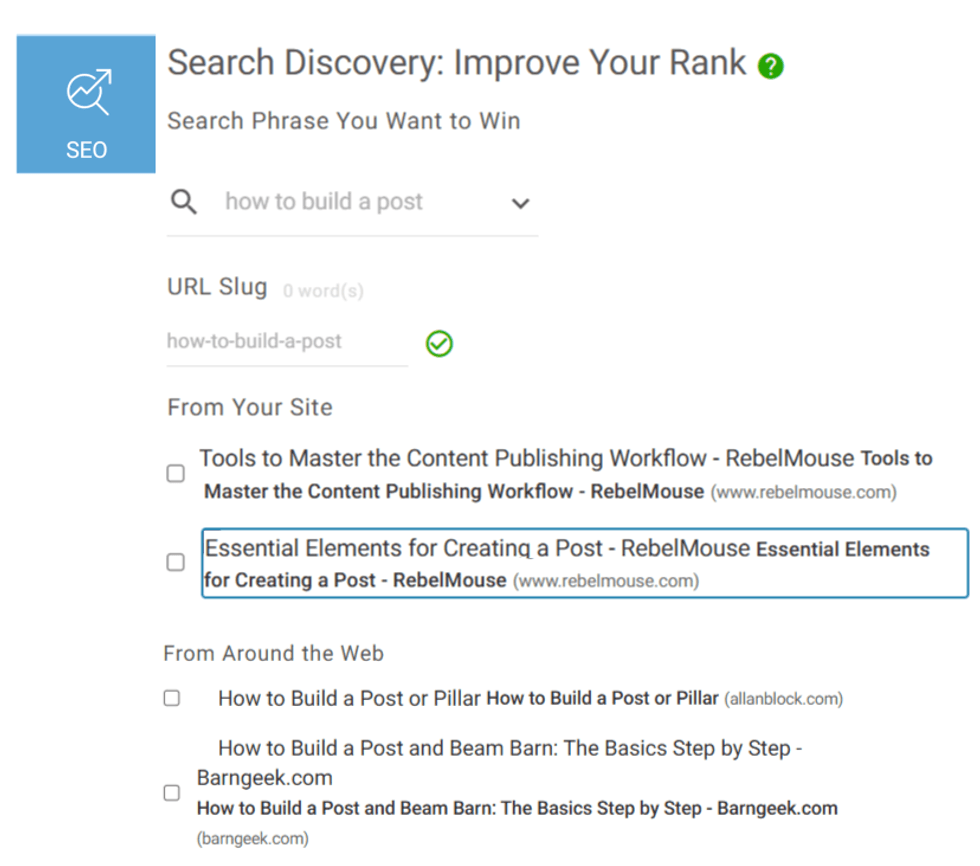
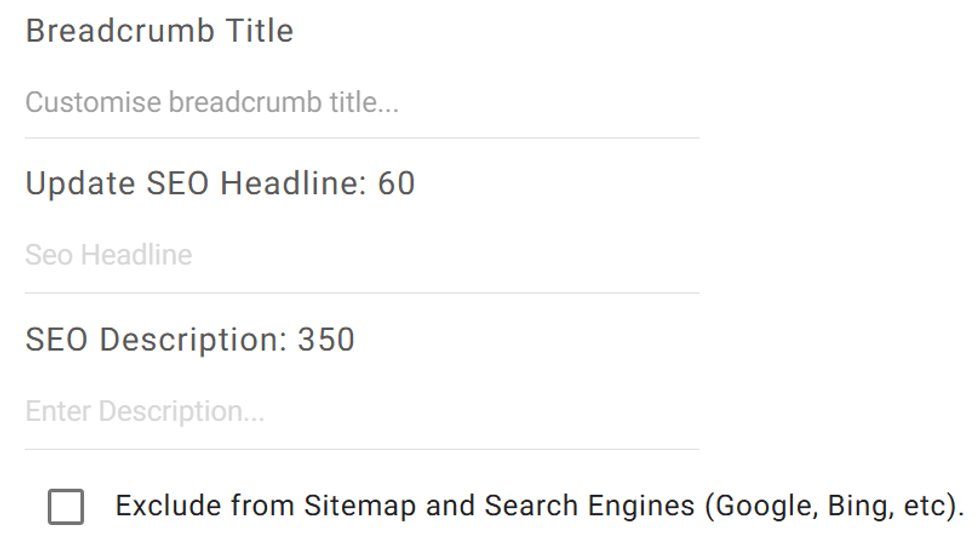
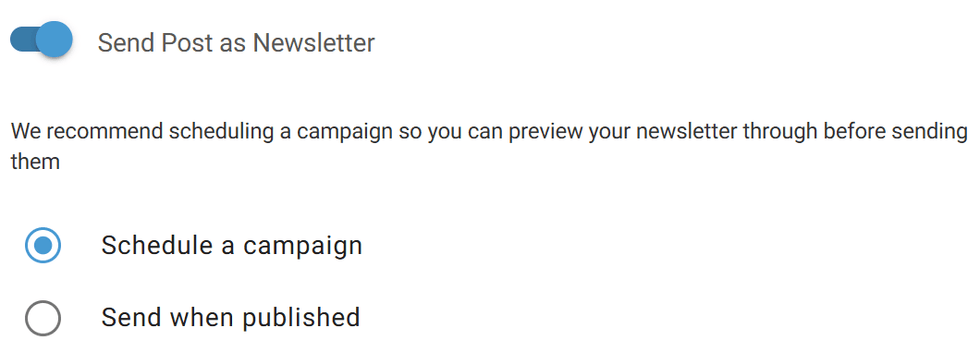
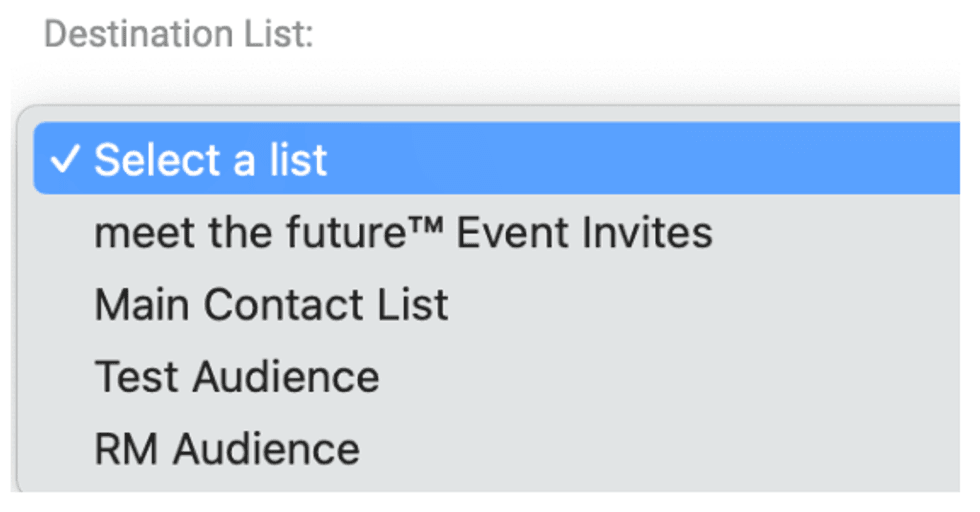
Having the post composed, RebelMouse tool box inside the Entry Editor can help you to use best practices such as keeping the post organized inside your site taxonomy (Tags and Sections), Search Engine Optimization (SEO), Distribution under Social media, and Newsletter.
Channels
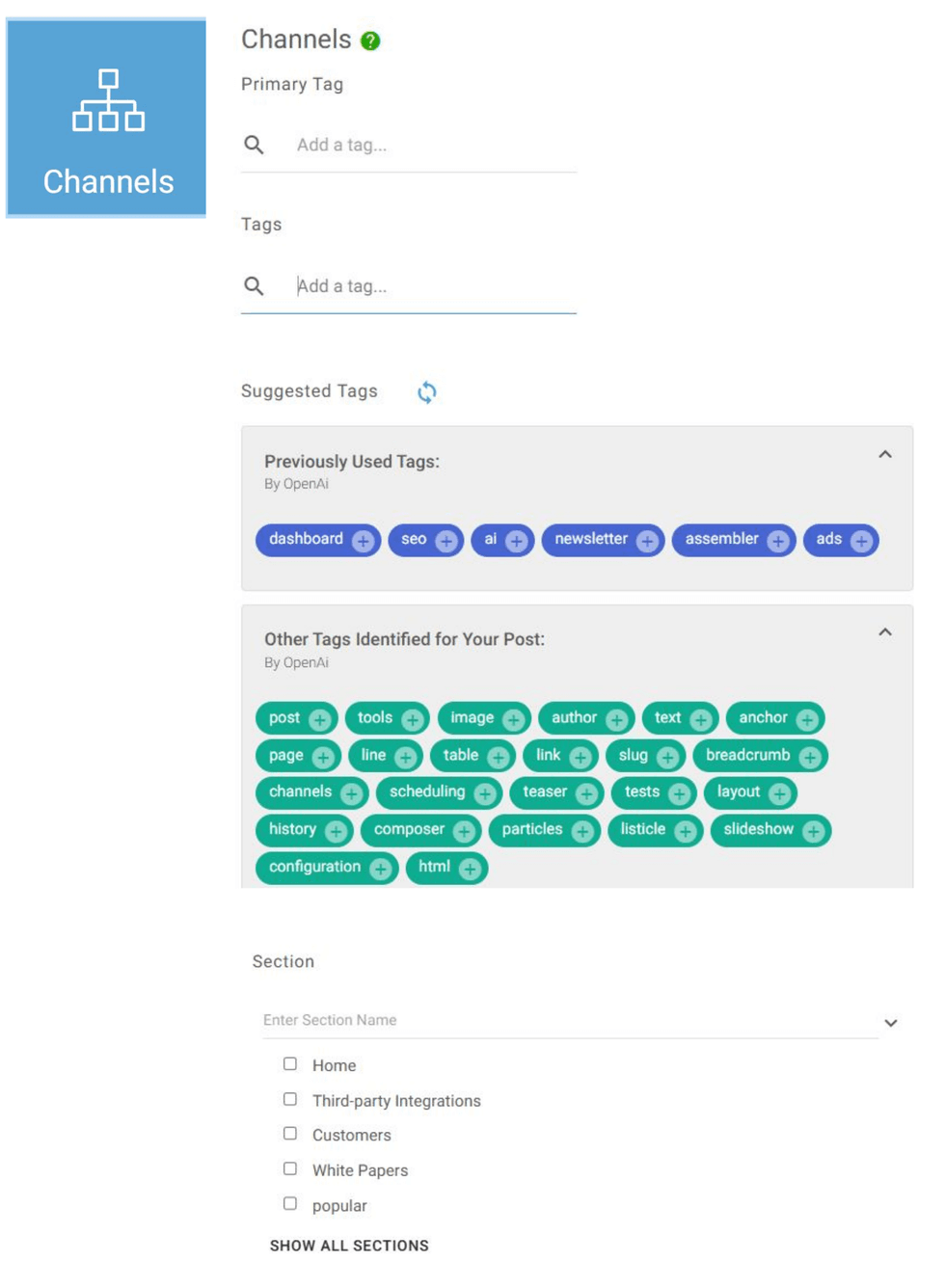
Click Channels, where you can select: Primary Tag, Tags and Sections related to the post. Also you can type, while you are typing it will show related sections.
SEO
Distribution
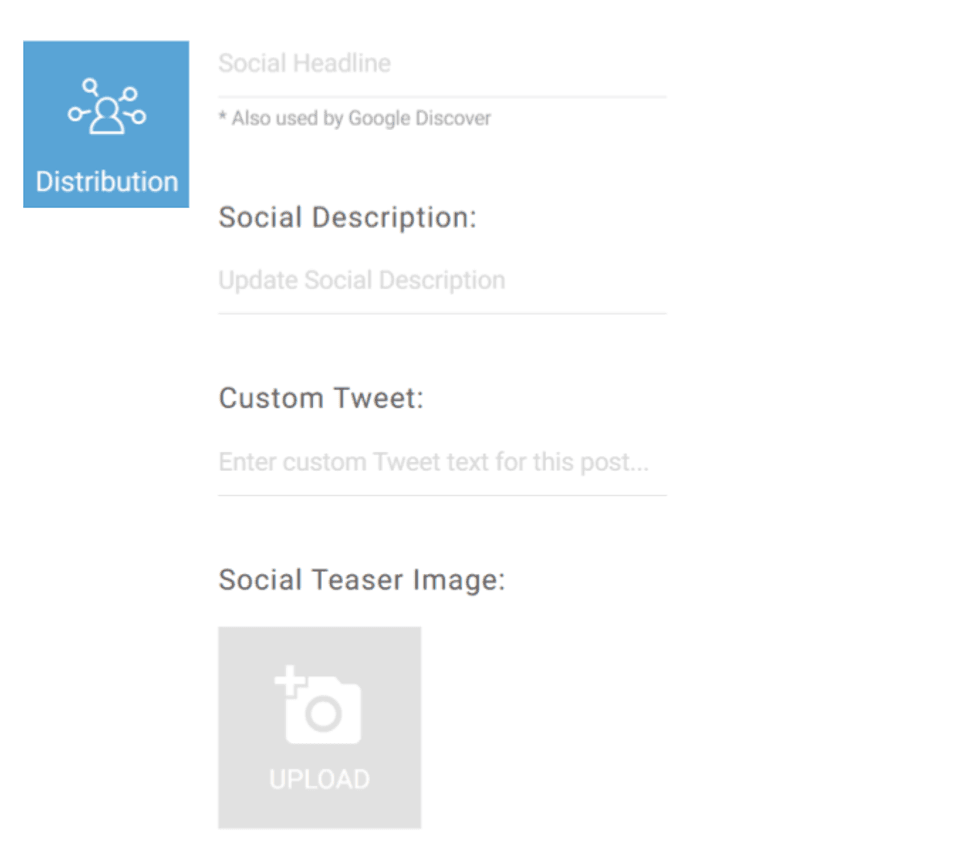
Fill out Social Headline (og:headline - tag, used for Google Discover) and Social Description.
Upload or choose Social Teaser image in case you want an outside image to be offered across social media.
AI Headlines
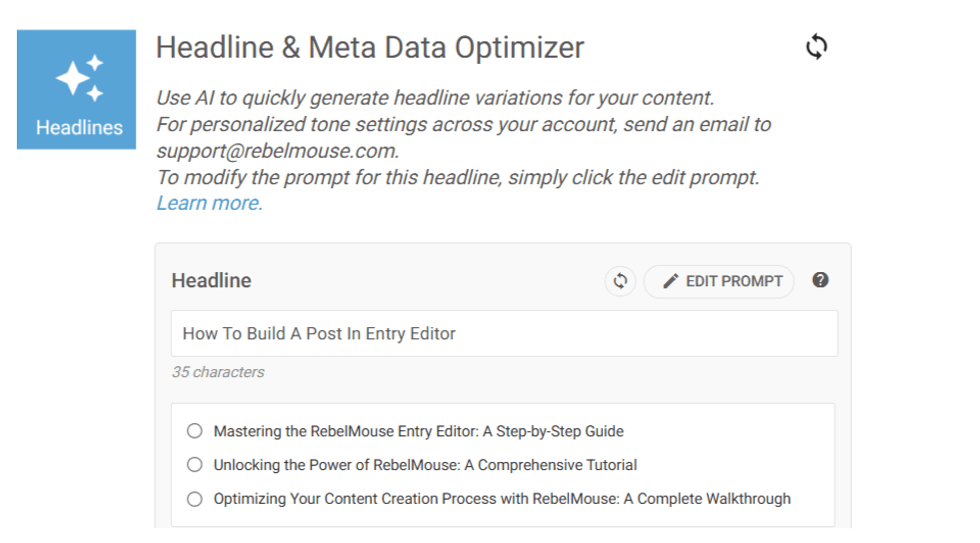
If you have AI editorial tools enabled, you can use AI to help generate the SEO Title, SEO Description, Social Headline and Social Description based on your post content. Learn more here
Social Scheduling

Your post can be published on social media right from the Entry Editor. You can send out posts live or schedule them to be published at a later date.
If you don’t have the connections setup contact your account manager or email support@rebemouse.com to enable this feature.
Newsletter

Teaser
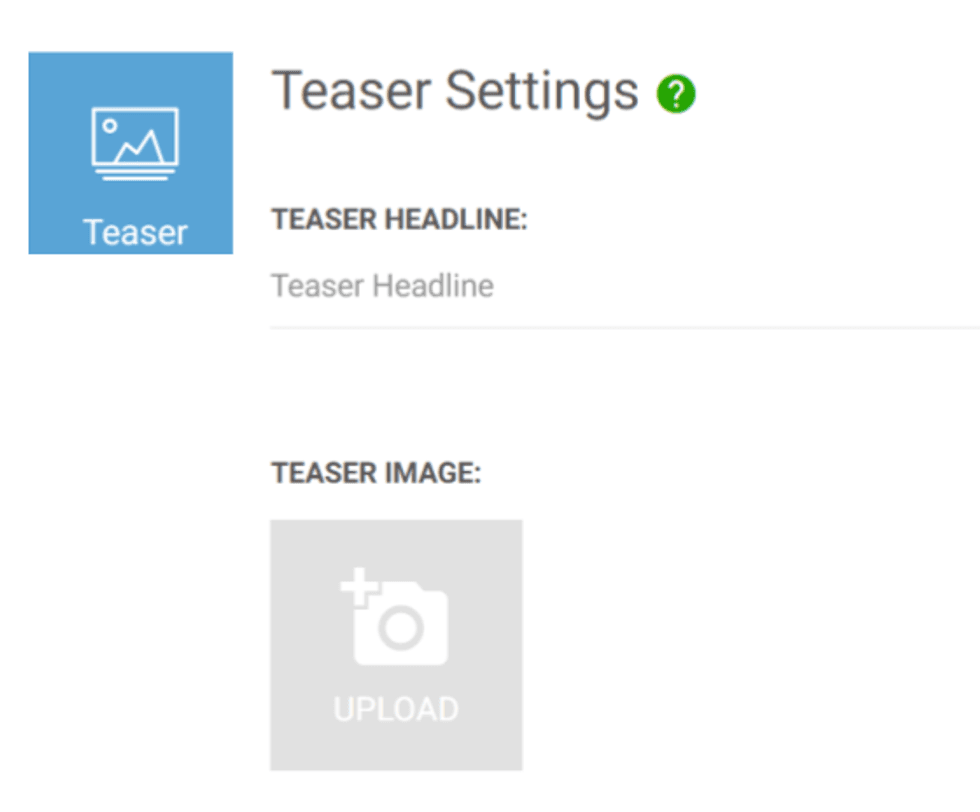
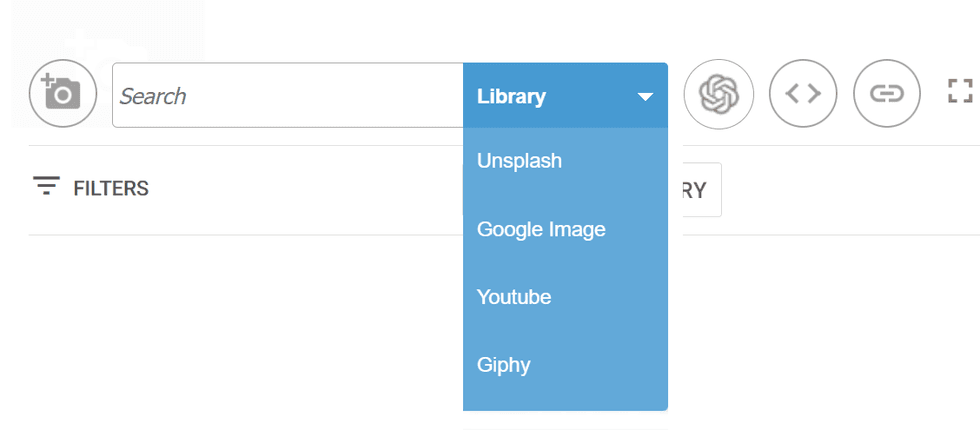
Teaser stands for assigning the post a meaningful image to be used in Front pages and section pages. Select the image (upload or select an available image in the library).
More from Teaser
A/B Tests
Extra Composer features
Assembler

HTML editor
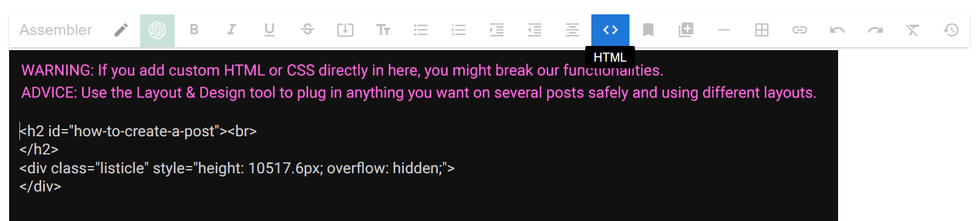
HTML: it sets your body text to an HTML code view. You can see all the attributes and tags used and can add others if you have the knowledge to do so.
However, it is important to state that custom HTML or CSS added directly in an article might break functionalities. To customize the HTML and CSS of articles is highly recommended to use the Layout & Design Tool.


