

For AMP pages, the inLanguage value is set to English by default. This value is hardcoded, but it can be changed manually so sites with different language requirements can also have different values. This can be done using the code view of your site's Global Settings.
To change the default language setting for your AMP pages, you need to manually add a variable in Layout & Design Tool:
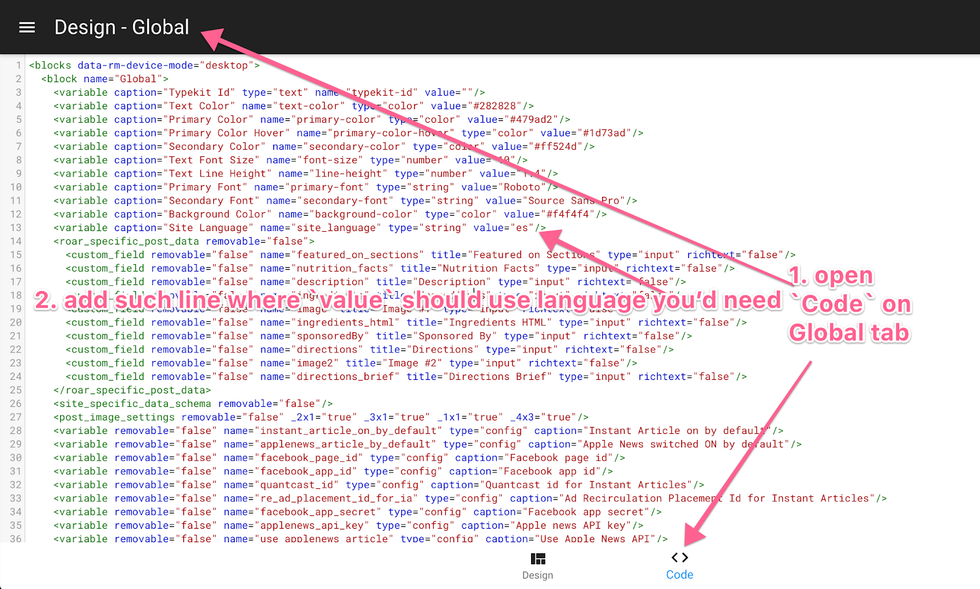
Here's a step-by-step example of how to make Italian the default language for your AMP pages.
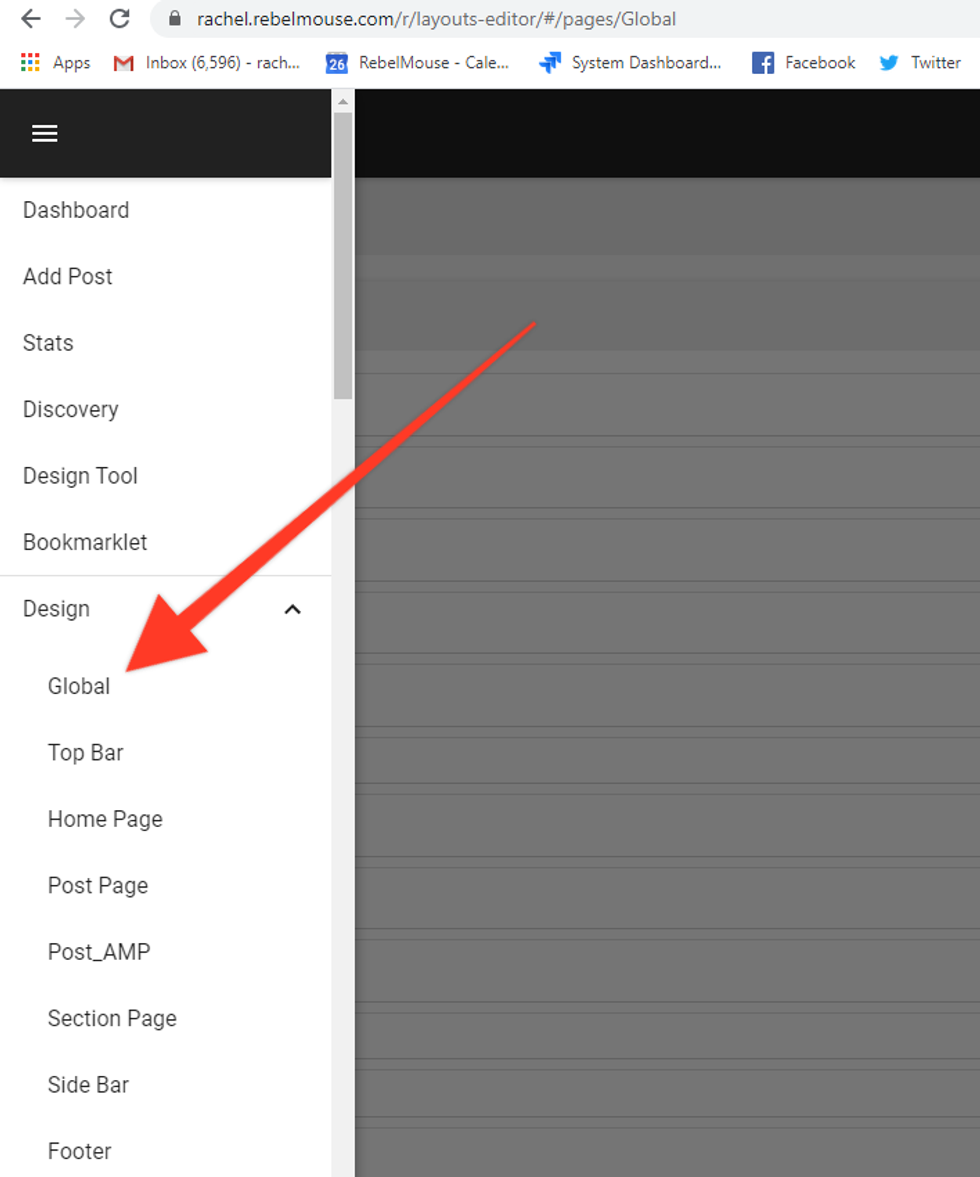
First, click Global from the hamburger menu (☰) in Layout & Design Tool.
Then, select < > Code.
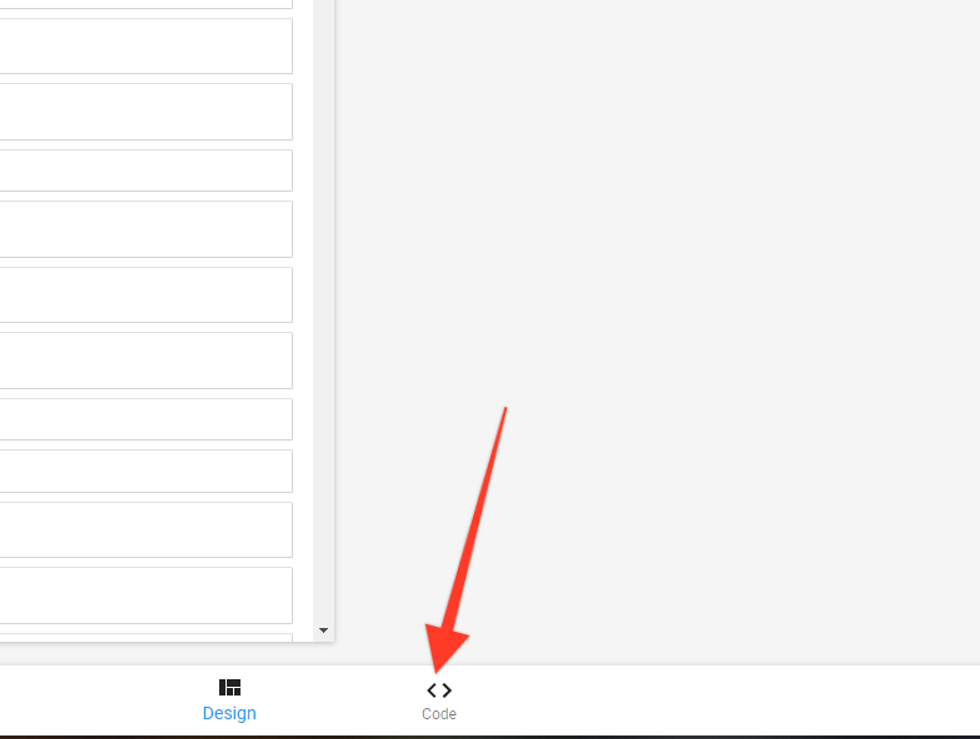
Add the following line:
<variable caption="Site Language" name="site_language" type="string" value="it"/>
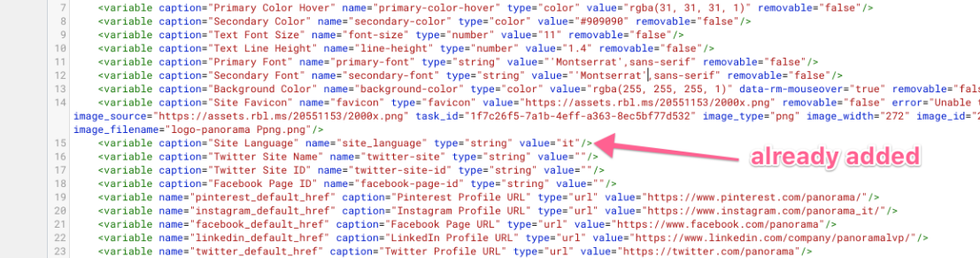
Click Save.
You can check the code for proof that it's working:
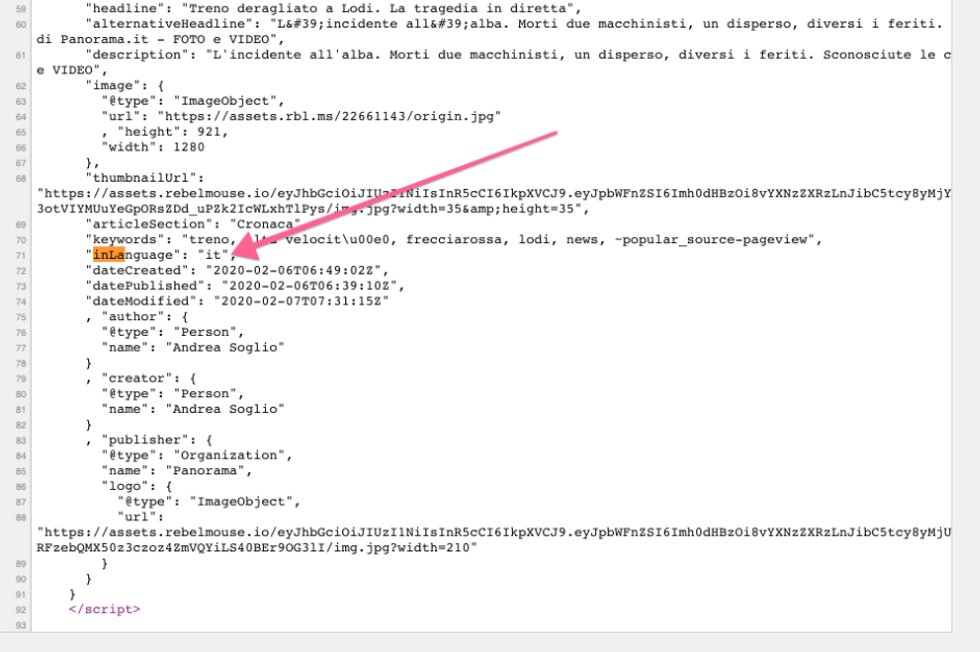
A list of browser language codes can be found here.
If you have any questions about default language settings for AMP pages, reach out to your account manager or email support@rebelmouse.com.


