

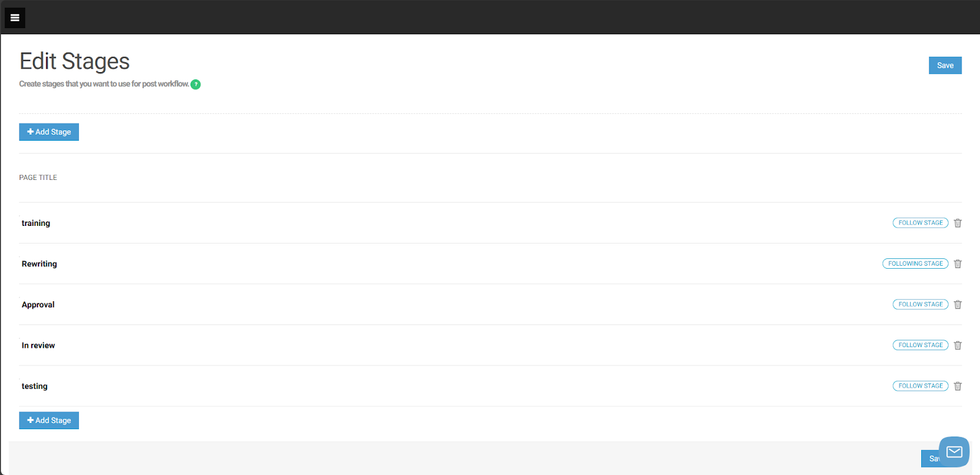
To create a new Stage, follow these simple steps:
- Go to Stages Dashboard
- Click on “+ Add Stage”
- A new option field will show in the dashboard asking to add a title for that stage
- After giving a title, click on the Save button in the bottom right or top right corner of the page.
In case you need to delete a stage, you just need to click on the Trash button to delete the respective stage.
All stages will be shown on Entry Editor, in the Channel Tab.


