
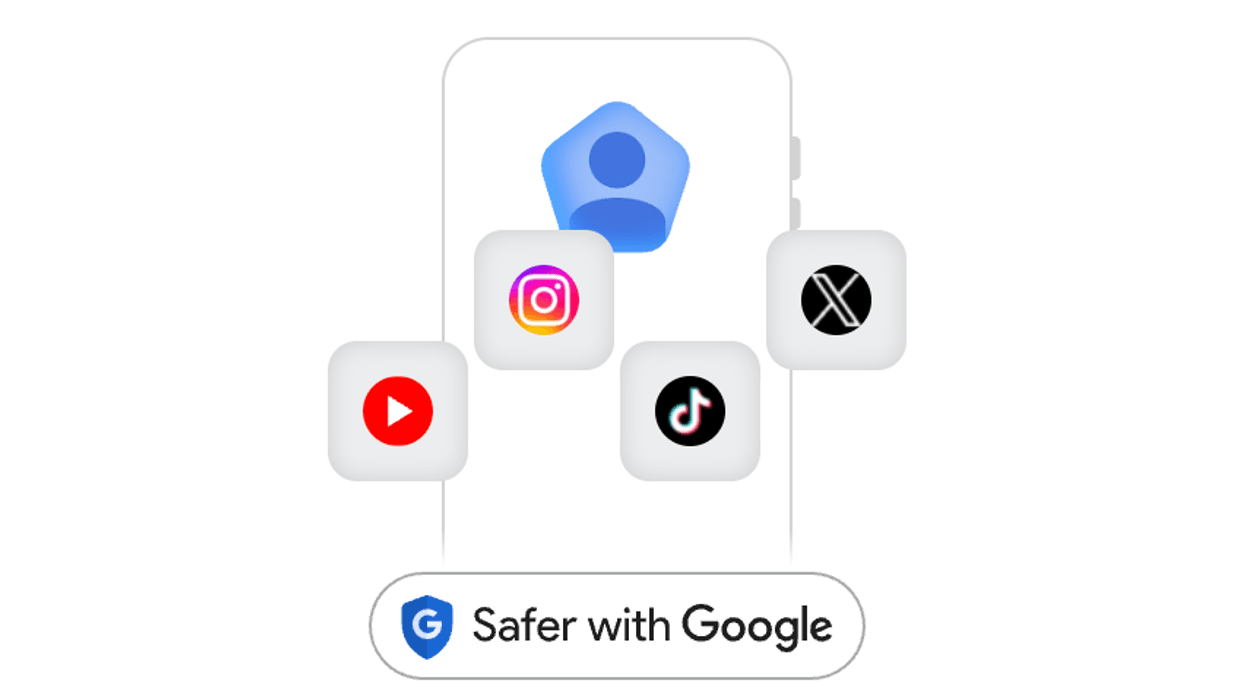

Today Google announced the debut of a new profile to help publishers and creators highlight their work on Search.
At a time when traffic has been disrupted due to AI Overviews, algorithm updates, and evolving search habits, this is a nice new opportunity to get exposure through Google Search. Once you have yours set up, you can pin up to eight posts and add up to eight links, putting a spotlight on whatever you'd like.
Here's how to get started. You do need a minimum amount of followers to qualify:
- YouTube: 100,000
- Instagram: 100,000
- X: 100,000
- TikTok: 300,000
If you check those boxes so far, next you'll check if an existing profile already has been created (some automatically have):
1. Go to profile.google.com. Make sure you're signed in to the Google Account linked to your Creator activities. Or, to search for your name on Google, go to Google Search. 2. Search for your name or creator handle. 3. Next to your knowledge panel, click More, and then View Search. Profile Tip: If you have multiple online personas, like a personal brand and a podcast, Google generates a different profile for each one. Claim each one separately.
If it hasn't, you'll start on this page to set up and claim your profile.
For the following questions, and others, check out Google's FAQ at the bottom of this page:
- Can multiple people claim the same profile?
- Can I transfer ownership of my claimed profile to someone else?
- Can I claim multiple profiles?
RELATED: Google Discover Best Practices: Expert Tips To Boost Traffic


