


RebelMouse is great at integrating with external services such as ad networks, exit-intent strategy platforms, newsletter services, and even e-commerce solutions like Shopify. You can easily structure your articles as product particles and integrate Shopify into them. Here's how:
1. Create a New Post
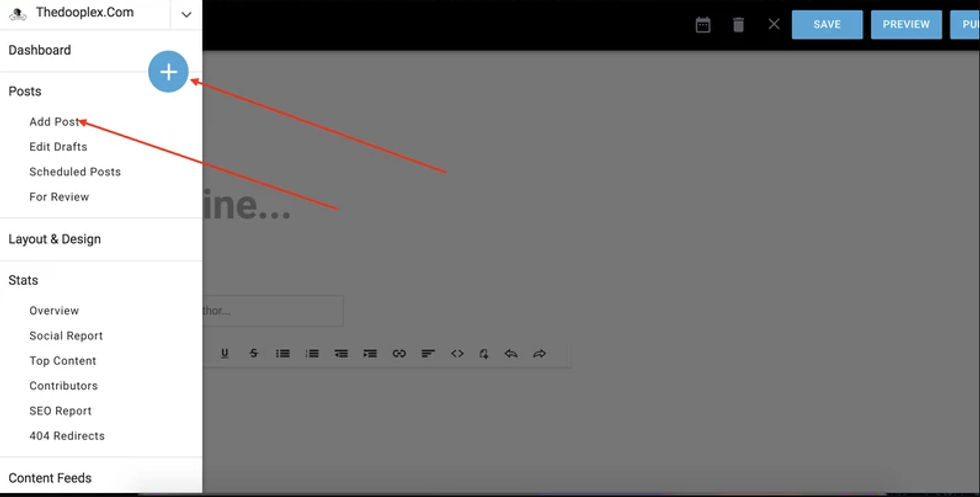
2. Structure Your Post as a Product
- In the lead media, upload an image of the product.
- In the subheadline, insert the price.
- In the body of the post, write a description for the product as needed.
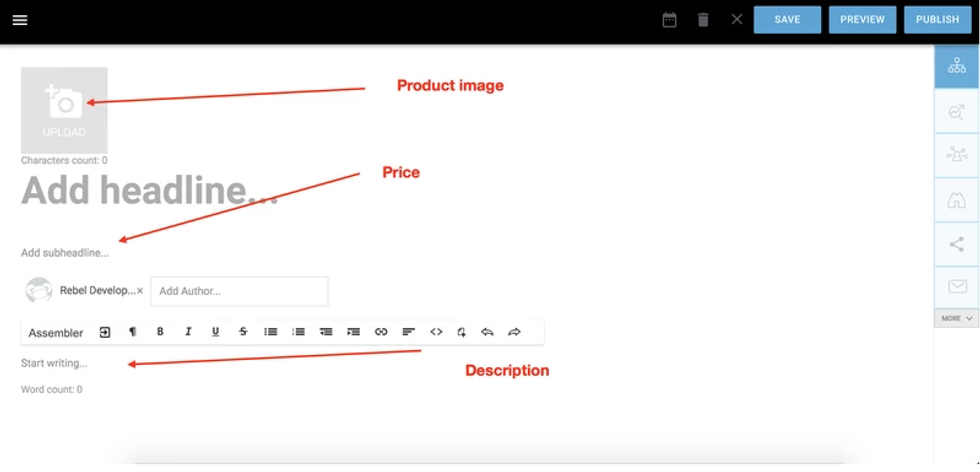
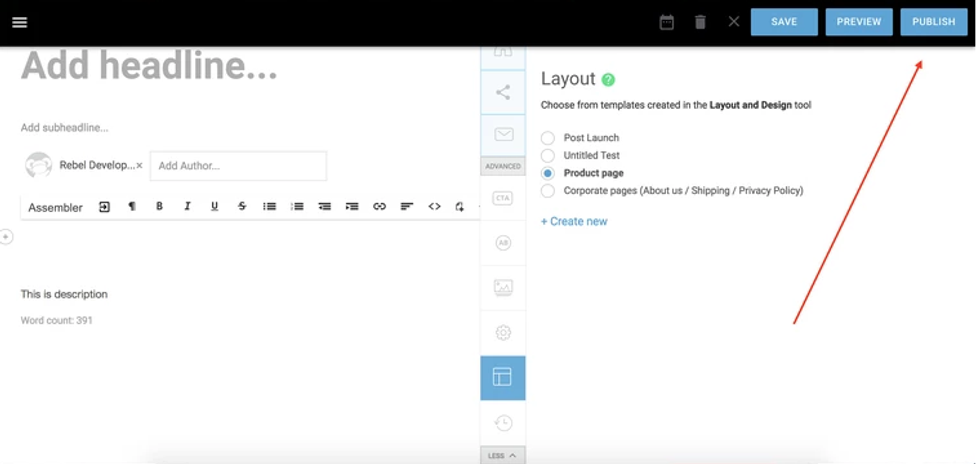
Remember to select any specific layout you may need in the layout tab.
3. Create a Shopify Button
- Log in to Shopify.
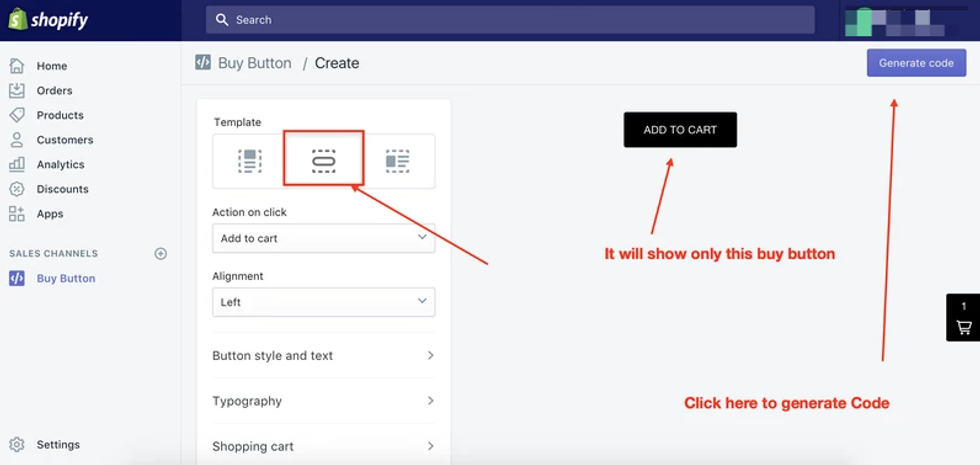
- Click on the Buy Button that's located on the lefthand side of the screen.

- Click on Select product and choose the product that corresponds with the one you've just created a post for. (Click on the video below to see how!)
- Make sure you choose the small Buy Button template and then click on Generate code.

- Copy the embed code to your clipboard.
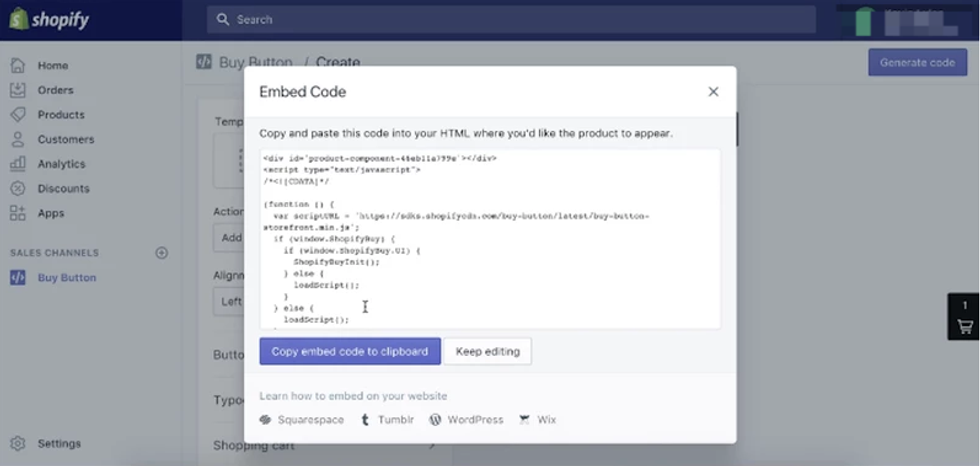
4. Add the Shopify Embed Code (Buy Button) to Your Post
- Click on the Add Media (+) icon in your post.
- Choose the Embed code option.
- Paste your Shopify embed code.

- Remove the /*<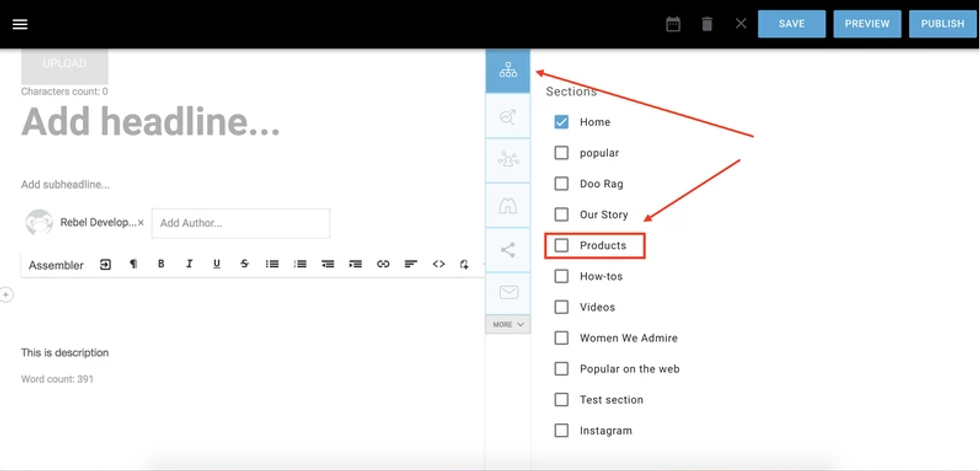
- Choose the Product page layout template, click Publish, and you're done!
- Here's an example of a finished product page:


