

Subscribe to Our Newsletter

x

Important: Mandatory Facebook Upgrade Arrives in 2018

The media world is ever-evolving, but one thing is abundantly clear: Facebook and Google, the almighty duopoly, have a firm grip on digital ad revenue. While successful media companies and brands struggle to meet revenue goals, the platforms are reaching new heights. As the state of digital media continues to puzzle publishers in 2017, it can be hard to strategize with all the changes and updates these mega platforms throw our way.

We often see media companies frantically trying to adopt a new strategy to monetize without knowing how to successfully execute. Case in point: The pivot-to-video trend, which has really been more like a pivot to ad-backed digital media, is causing editorial teams to take drastic measures prematurely.

RebelMouse is here to make life easier, and help you with your strategy along the way. Our team of experts live and breathe digital content. We stay ahead of all the algorithm updates, the platform changes, etc., so you can focus on producing great content. We help you take back control of your content and stay abreast of the best monetization strategies so you can bring in real revenue.

One of Facebook's recent updates makes it mandatory to switch to their Monetization Manager by February 2018. We'll walk you through this process so this change doesn't affect your monetization strategy.


You may have already received an email from Facebook with the following ominous subject line:

Upgrade to the New Audience Network Platform by February 1, 2018

It's a cumbersome but mandatory upgrade for accounts that don't use Business Manager yet (or at least haven't linked it to their apps). Facebook has a page explaining how to transition to Monetization Manager that you can read about here.

But here's our step-by-step breakdown for your convenience:

1. Head Over to the Business Manager Upgrade Link

This link was included in your email notification. If you missed it, you can access it here: https://business.facebook.com/pub/upgrade.
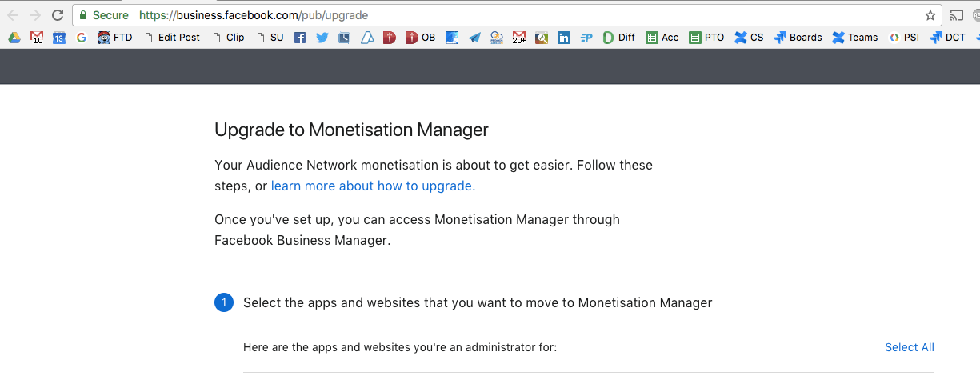
Provided you're already logged into Facebook, you'll be presented with a list of apps you own. Select the ones pertinent to the page you have to migrate. For example: Love Meow, Love Meow - Instant Articles.
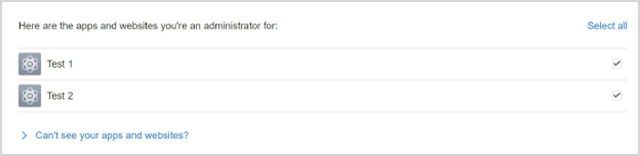
If you lack access to your app, or you suspect that one is missing, please check with your RebelMouse account manager.

2. Select or Create a Business Manager Account

If you already have a Business Manager account, it will show up in the list.
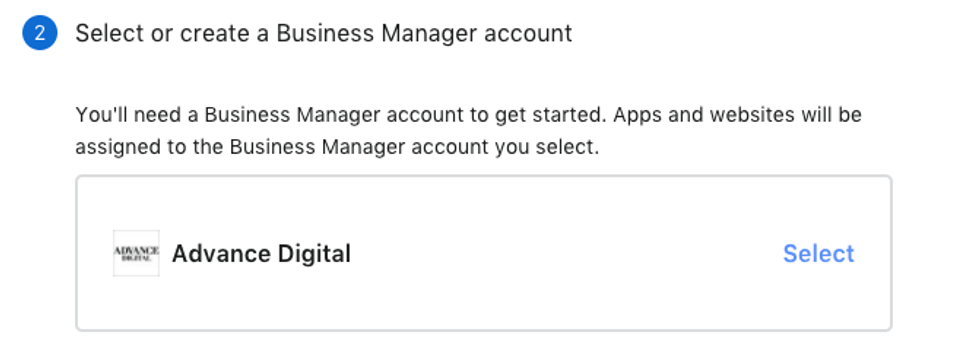
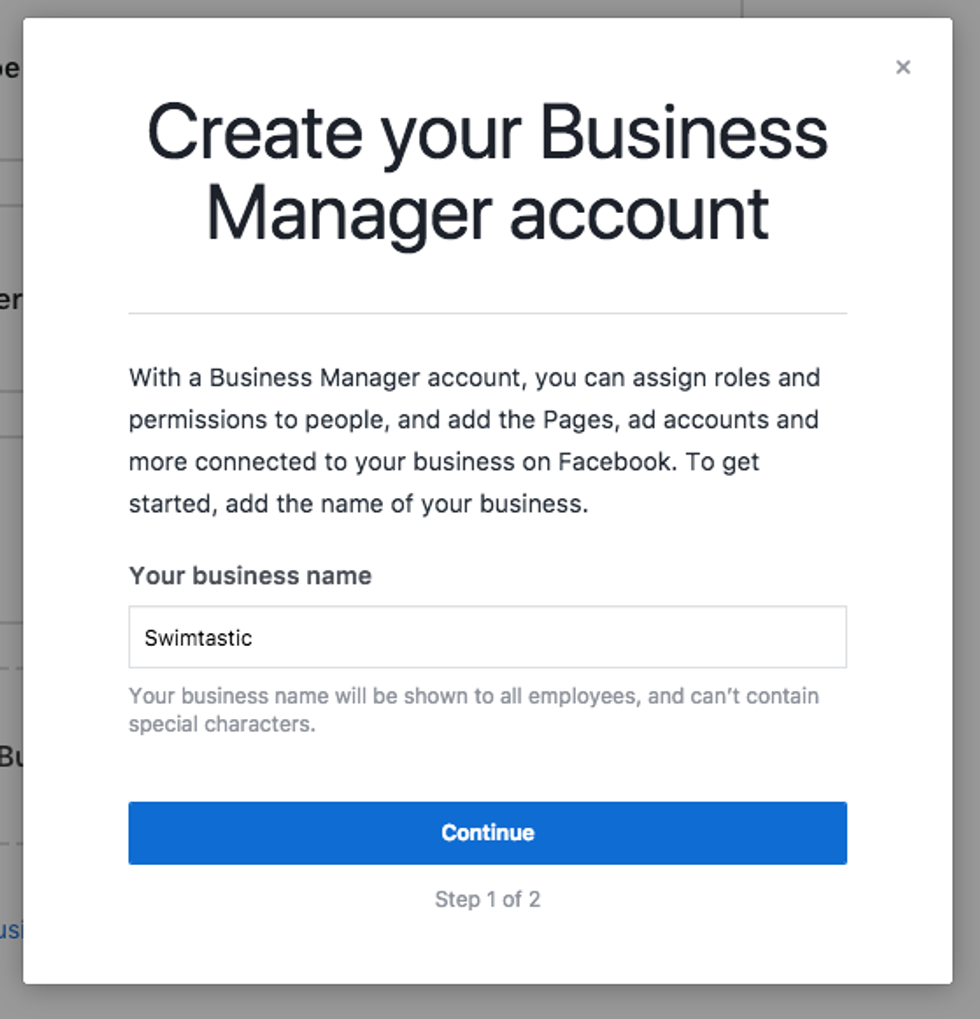
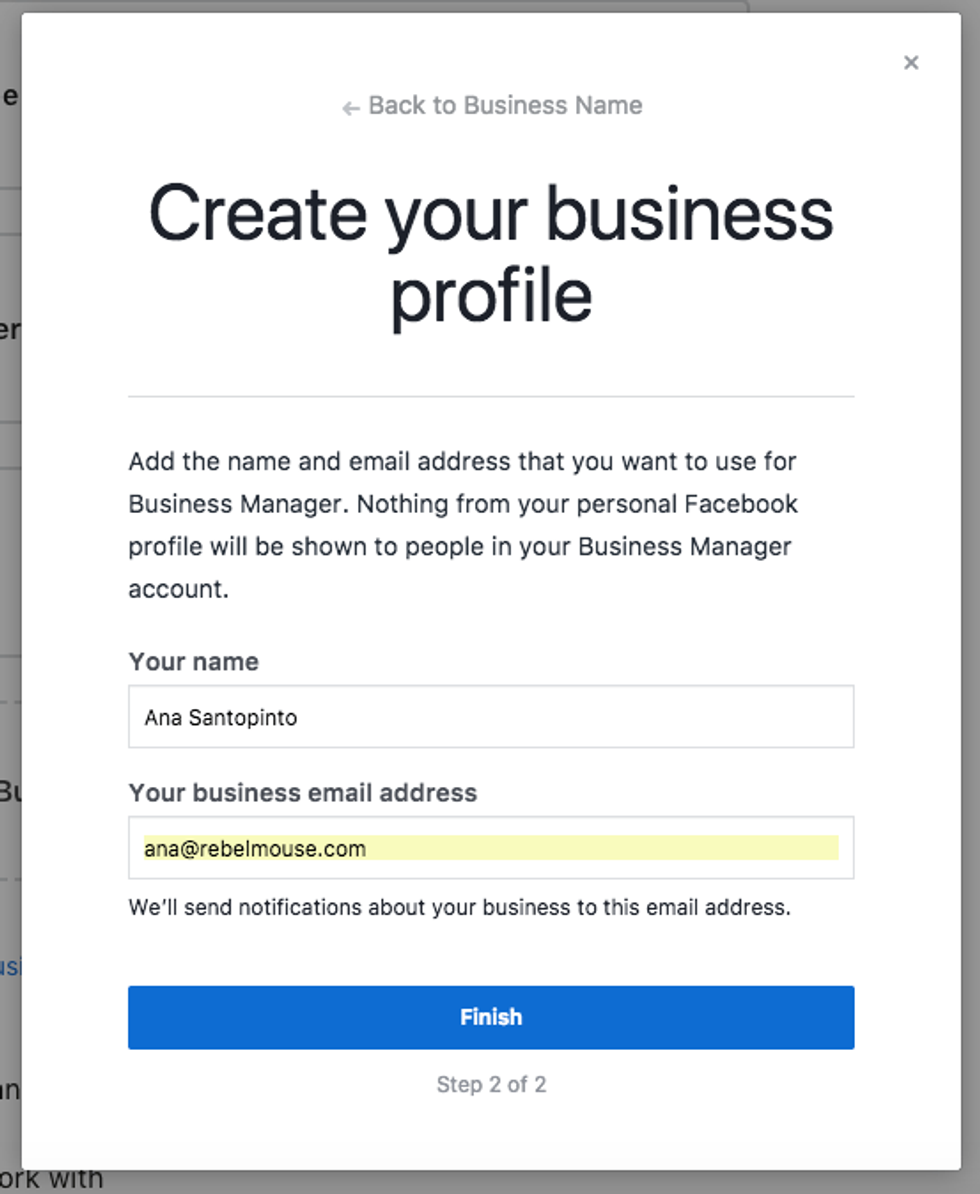
If you don't have one set up yet, you can easily create one from within the wizard in two easy steps:
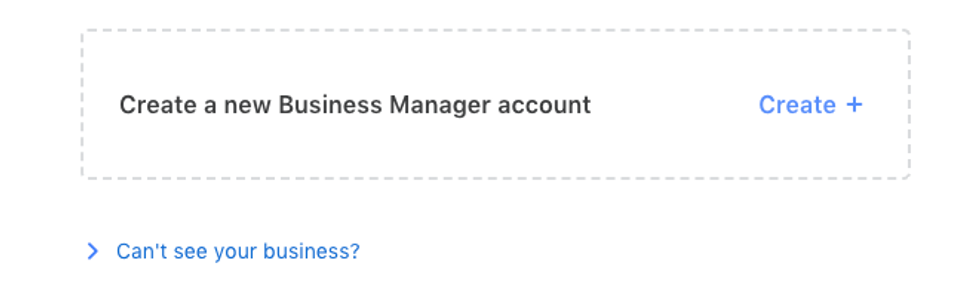
1. Name Your Business
2. Add Your Username and Business Email Address
At this point, you might be asking yourself, "Why can't I just ask my RebelMouse account manager to do this for me?" We'd love to, but unfortunately Facebook has a restriction on the number of Business Managers a single person can create. If you try to create more than two, you get this error message:
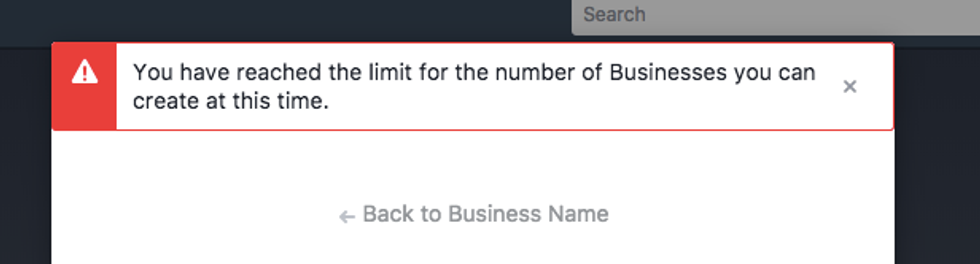
And here's Facebook's official response to this error:
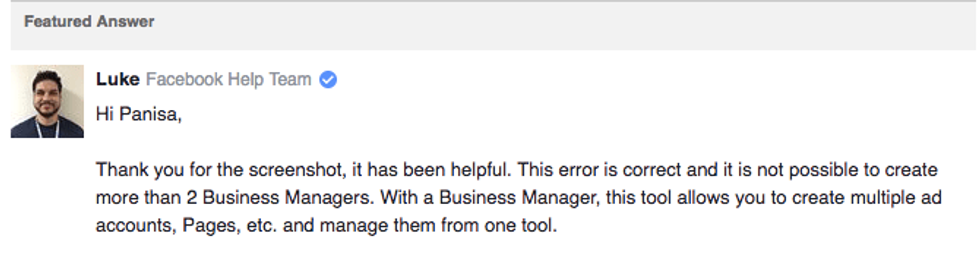
So you'll have to create the new Business Manager yourself. Then us Rebels can be added as admins or analysts to help.

3. Group Your Apps and Websites into Properties

Facebook will perform this grouping automatically after steps one and two, but you'll be able to add more if needed.
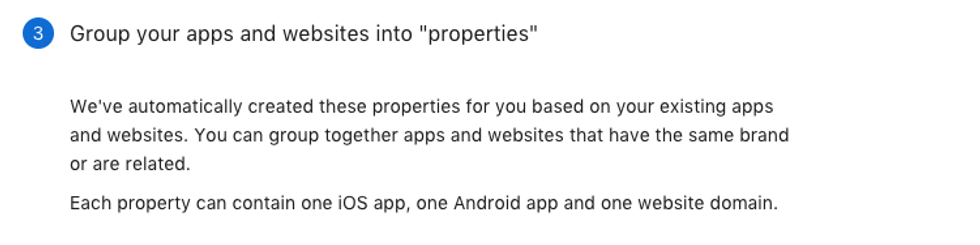
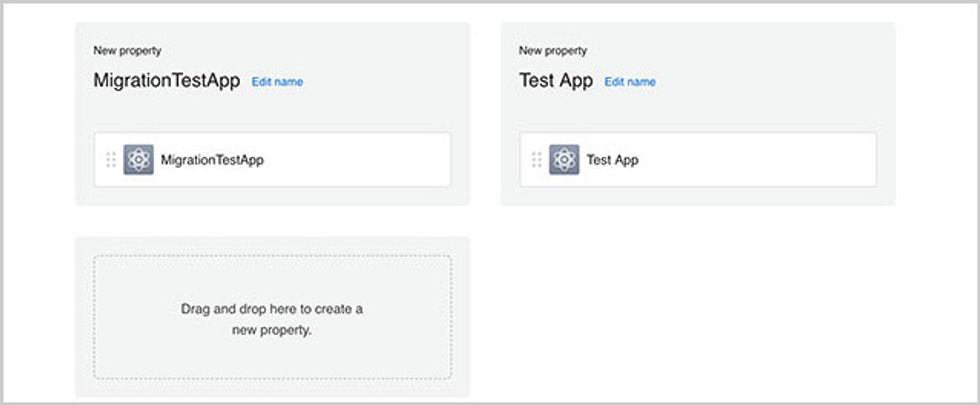
4. Add People to Any Role on the Spot

This step is where you can add co-workers, partners, and your RebelMouse account managers.
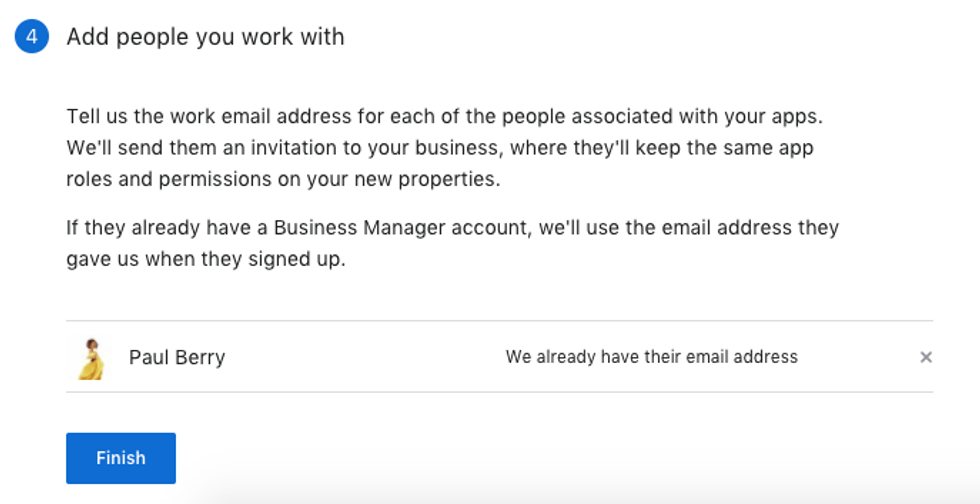
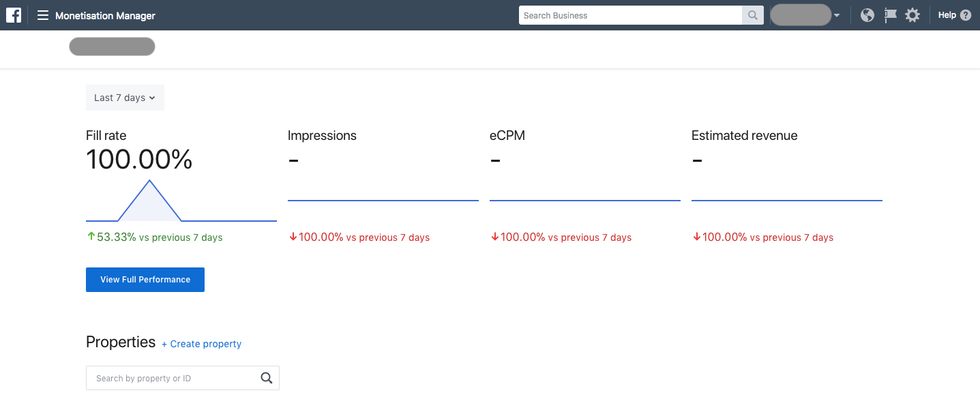
After you click Finish, you'll be taken to your new Monetization Manager and will have created a Business Manager account (if you didn't already have one).
Particle Assembler: Ads in Slideshows Now Supported

You can now insert ads between slides in a slideshow!

Monetizing users' engagement and page views is pivotal to most digital businesses, and our Particle Assembler has been an invaluable tool in helping RebelMouse clients to insert native ads seamlessly into their content. Now we've taken this functionality one step further by introducing support for ads between slides in Assembler's slideshow layout.

Keep reading... Show less

Inside RebelMouse’s Quality Assurance Operations

How We've Perfected Stress-Free Publishing

At RebelMouse, we like to refer to our enterprise publishing platform as "lean tech." Most publishers have a natural inclination to start doubling down on teams of developers who try to build unique experiences to help stand out above the noise. But they should actually be doing the opposite: Lean tech is the preferred way to cut through content saturation. By allowing RebelMouse to obsess over your product, content producers, editors, managers, and everyone in between can focus on creating quality content and taking advantage of opportunities to leverage distributive publishing strategies that create real revenue growth.

One of the major reasons we're able to maintain a lean tech environment is thanks to our approach to quality assurance (QA). We make updates to our platform daily to ensure our clients always have access to the most robust, high-performing, and secure version of our platform. Behind the scenes, this means having a solid QA structure that's efficient, creates less bugs, and catches the ones that do pop up before they go live. It's a system of checks and balances that's hard and costly to replicate on a custom CMS. Here's a glimpse into how it works.

Our Tech Stack Toolbox

  • Cucumber
  • Java
  • Junit
  • Maven
  • Selenium WebDriver
  • TeamCity
  • Zalenium (Selenium Grid)

Our Checks and Balances Workflow

Automated Regression Testing Cycle

The Lifecycle of a Product Update

When an update is first made to RebelMouse, TeamCity immediately triggers the start of automated tests to review integrity.

TeamCity Build

TeamCity Agent

The tests run in parallel on TeamCity's Build Agent. Next, Zalenium creates docker containers with browsers that matches the count of parallel threads. An Allure report is then generated from the test results, which shows the state of the application after the update.

Allure Report Pass

If a test doesn't complete successfully, the testing framework receives a video with a failed test and attaches it to the Allure report.

Allure Report Issue

Based on the report analysis, a QA specialist will create a "bug" ticket in our product management software to address the issue if needed. Then, information about the bug is immediately sent to the project manager and we begin the process of correcting the problem.

The media powerhouses we power can publish with confidence knowing that any product issues that arise are met with a tried-and-true process to fix the problem with little-to-no disturbance to their workflow. If you have any questions about this process, please email support@rebelmouse.com.

Related Articles

Related Posts vs. Posts in Assembler

Here's the difference between Related Posts and Posts in Assembler.

By using Related Posts and Posts in Assembler, you can help your audience stay engaged with your site's content and generate more traffic. Both of these features can be added to any post through Entry Editor.

When creating or editing a post, you can add a Related Posts section to the bottom of it that consists of a selection of existing posts on your site that you choose to surface. Only the main image and content headline are pulled, along with a link to the original post. This is similar to the Around the Web section that also shows up at the end of your post when you enable it from the SEO tab of Entry Editor.

Keep reading... Show less
Subscribe to Our Newsletter