

Online publishers often want to highlight a series of events, whether they’re hosting them themselves or promoting ones their audience may be interested in. With RebelMouse, this couldn’t be easier, and there are a number of ways you can advertise your content for events.
We’ll take you through some live examples from our clients that may give you the inspiration you need to make your events page stand out, and we’ll also share some useful strategies as you develop your events campaigns.
Here's how some of our publishers have effectively utilized the RebelMouse platform to maximize their online events.
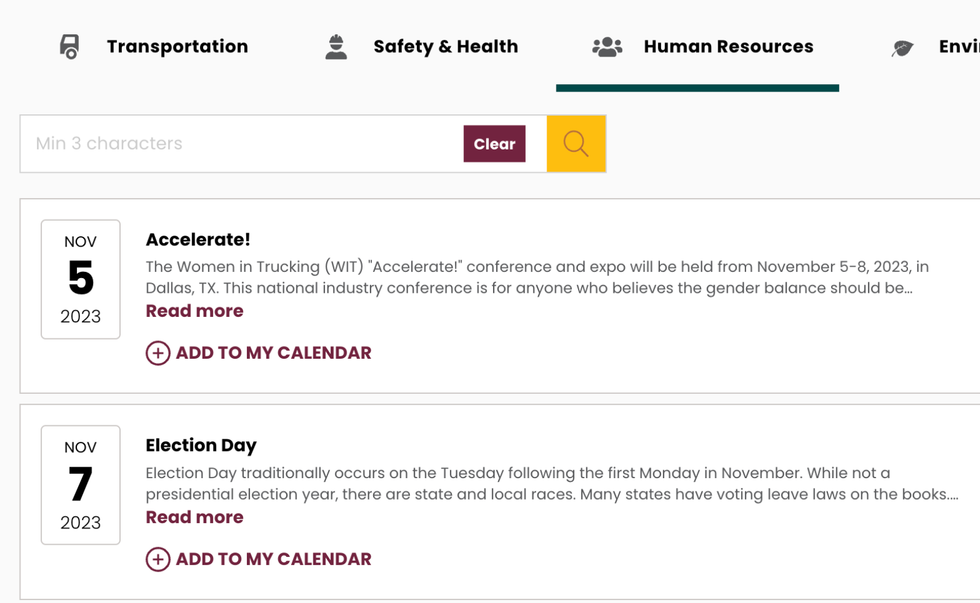
J. J. Keller & Associates
The Upcoming Events page for J. J. Keller, a safety and compliance expert, utilizes structured data so that it’s fully optimized for search. It has its own taxonomy to break down events by categories. There is also a search box, so users can search for events and add them to their calendar with just a few clicks. The “Add to My Calendar” button brings up a sign-up wall, so you have to be a member of J. J. Keller first. The workflow allows you to register for free access to the event as well.
CultureMap
Local news site CultureMap has an Events page that reflects the current day, with a comprehensive list of what’s taking place. There is also a traditional calendar in the top-right corner that is interactive, so you can toggle a specific day to find upcoming local events. In addition, there’s a “Submit an Event” button, which brings up a form asking for details and a photo. Any submitted event is reviewed and published at CultureMap’s discretion.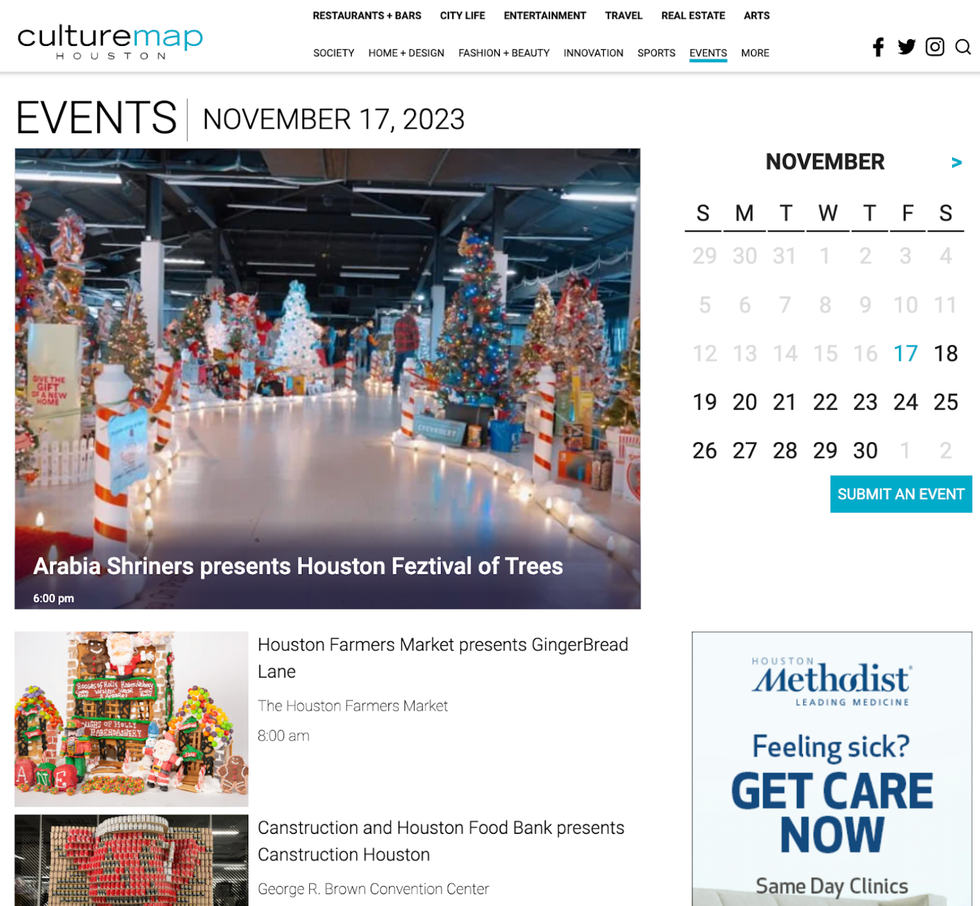
GZERO Media
The Events page for GZERO Media prominently promotes a form that you can fill out to be alerted about upcoming events.

GZERO Media also hosts an archive of past events they’ve held, and you can watch these panels on demand at your own leisure.

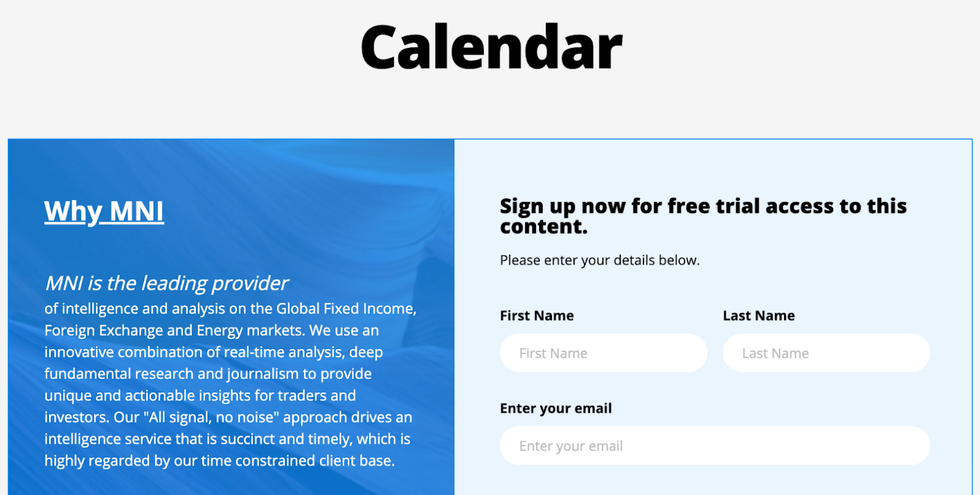
Market News (MNI)
Market News, a leading provider of intelligence and real-time analysis for traders and investors, has their Events page hidden behind a wall. You need to become a member to access it, but there is a handy form to easily sign up for a free trial.
Investing News Network (INN)
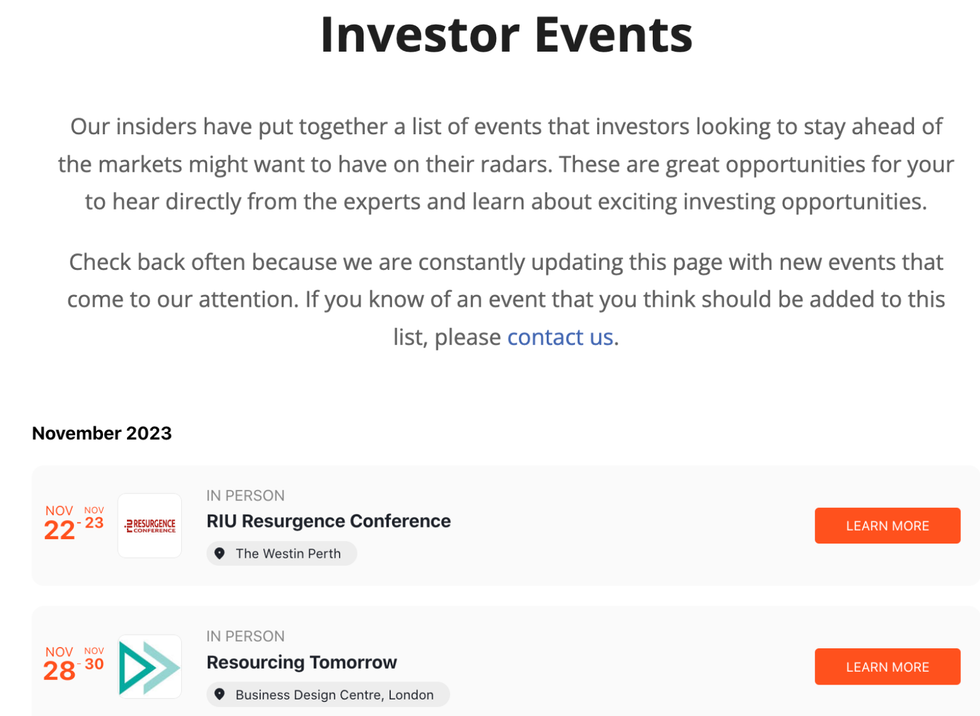
Investing News Network has an Events page that makes it easy to see what’s coming up and get additional information for each event, including where it’s hosted.
Useful Strategies
The RebelMouse platform offers various ways to showcase business events to help reach new audiences, increase brand awareness, and highlight emerging initiatives in your organization. The following are some helpful strategies that users can put into practice to successfully optimize their events campaigns.
First-Party Data Collection for Events
Hosting digital events is one way to collect first-party data about your audience, as noted by Digiday. While digital events may not be as effective at generating revenue as in-person events, they can still be a great way to encourage users to authenticate or sign in with an account. From these events, you can gather valuable information about your audience, such as intent data and demographics, which is helpful for ads and audience optimization.
Custom Solutions
If you want to take your events to the next level, you need a customized solution. We’re happy to work with you to create the look and feel you desire, including all of the right functionality from a user’s perspective.
Placing the keyword tag “Events” on any post will allow the RebelMouse platform to list all upcoming activities under this category, making it easier for your audience to discover new happenings. Still, if you want to build out a more robust events page like many of the examples above, things you might want to incorporate include:
- Add to calendar
- Search functionality
- Sub-taxonomy to drill down into events
- Sign-up prompt or paywall to access events
- A certain look and feel for the events page
- Calendar view
- Structured data (highly recommended!)
- AI integration (personalized events based on a user’s interests)
Let RebelMouse Take Your Events to the Next Level
If you want to implement some of these features into your own site, it’s time to upgrade your RebelMouse Entry Editor with enhanced functionality and customization for creating and advertising calendar events.
Ready to get started? Reach out to your account manager or contact support@rebelmouse.com and we’ll set up a call to map out and build the best events strategy that works for you and your business.
(Not publishing on RebelMouse yet? Reach out today to begin!)


