

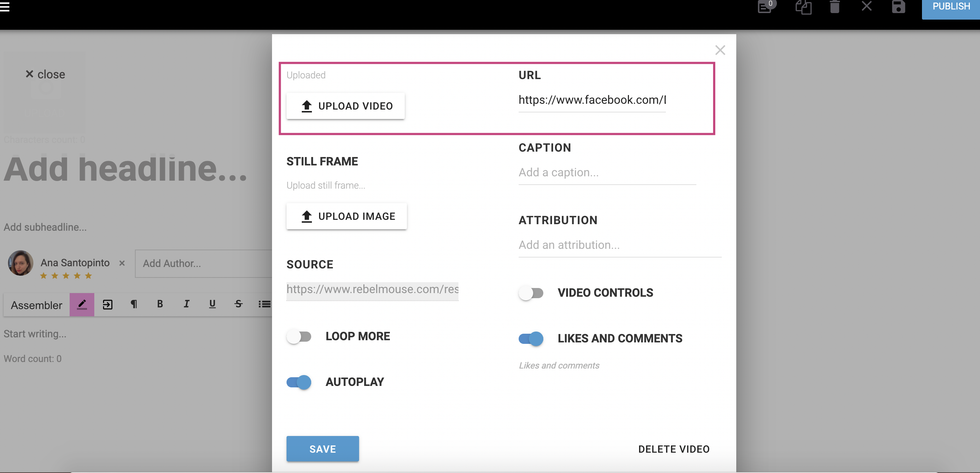
In order to add a video to the Lead Media position in Instant Articles via our platform, you have to either upload the video from your device/local machine or paste the URL. Note that the video URL needs to be a Facebook video.
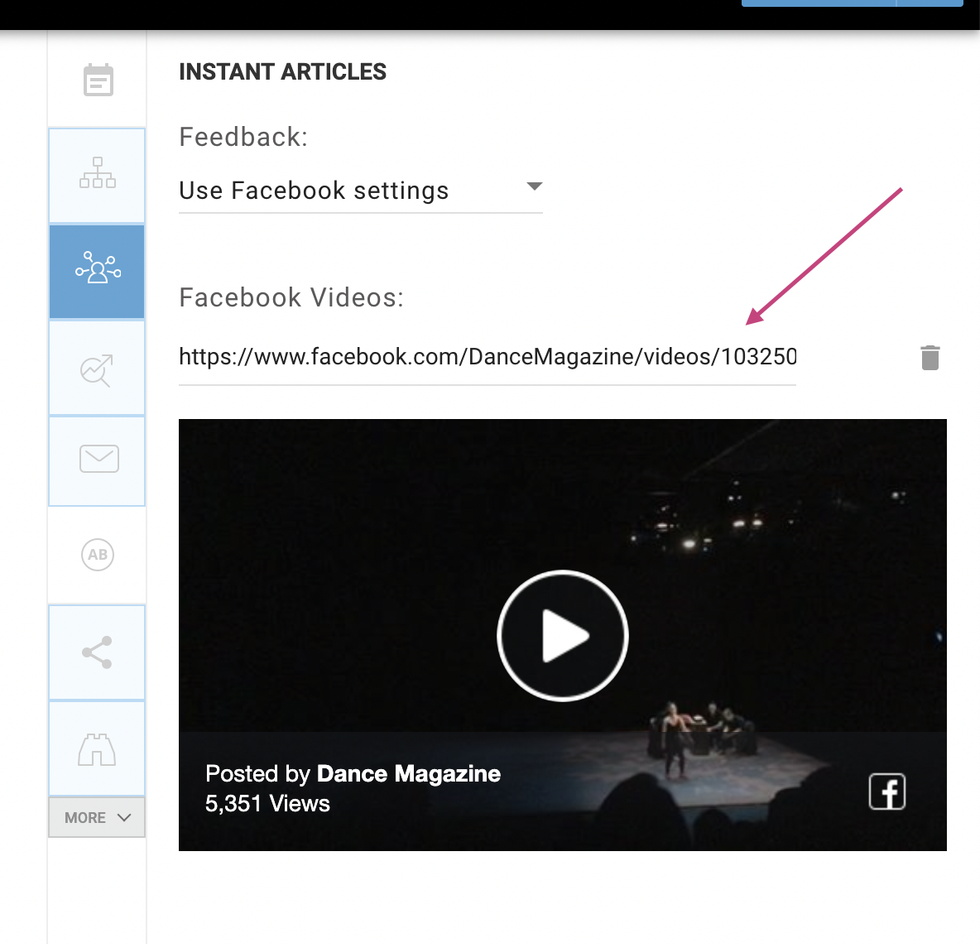
We've made the process even easier by adding a Video URL field to the Social Copy tab, where you can now see instant feedback for any video ingested.
If you have any questions about this update, please email support@rebelmouse.com.


