

RebelMouse makes it easy for content creators to build dynamic and engaging communities. Each user can have their own username, permissions, and profile. A user's profile can also be linked to via their username anytime it appears on your site.
There are two ways to add this link:
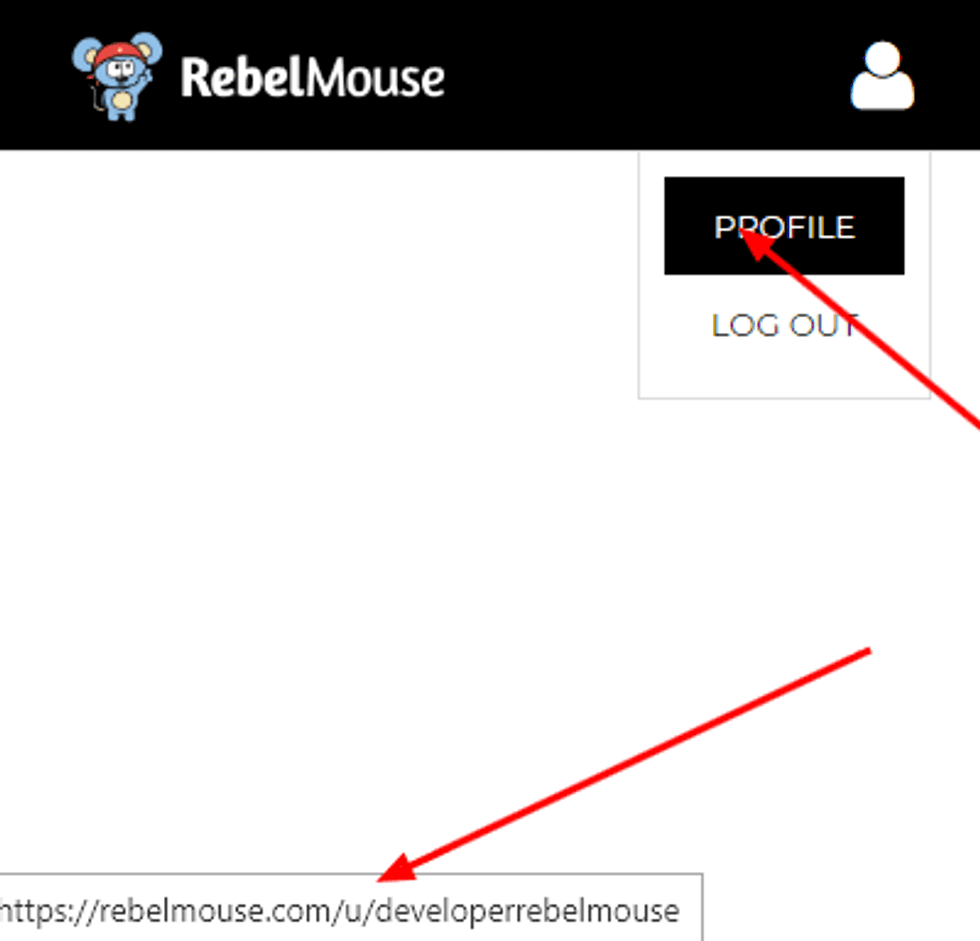
1. Add the Username as a Link to an <a> Tag
HTML:
<a href="#" id="my_username">PROFILE</a>
JavaScript:
<script type="text/lazy-javascript" priority="10">var user_data_for_use;setTimeout(function(){{{require}}(['settings'], function (settings) {user_data_for_use=settings;document.getElementById("my_username").setAttribute("href","/u/"+settings.user_site.name);});},1000);</script>Upon page load, the code above will change the value of the href attribute to href="/u/username_of_user" for any element that uses id="my_username.".
2. Insert the Username as Text Inside a <span> Tag
HTML:
<span id="my_username"></span>
JavaScript:
<script type="text/lazy-javascript" priority="10">var user_data_for_use;setTimeout(function(){{{require}}(['settings'], function (settings) {user_data_for_use=settings;document.getElementById("my_username").innerHTML=settings.user_site.name});},1000);</script>Upon page load, the code above will insert the username inside a <span> tag as text by referencing id="my_username."
If you have any questions about this feature, please email support@rebelmouse.com.


