

We believe static content is outdated, and that every piece of media should be interactive and engaging. This is why our platform empowers creators to easily incorporate dynamic elements into their content.
A simple method for adding interactive media to any post is through shortcodes. Shortcodes are brief code snippets, simpler to remember than longer codes, and are typically used to activate features or embed media into an article.
How to Access
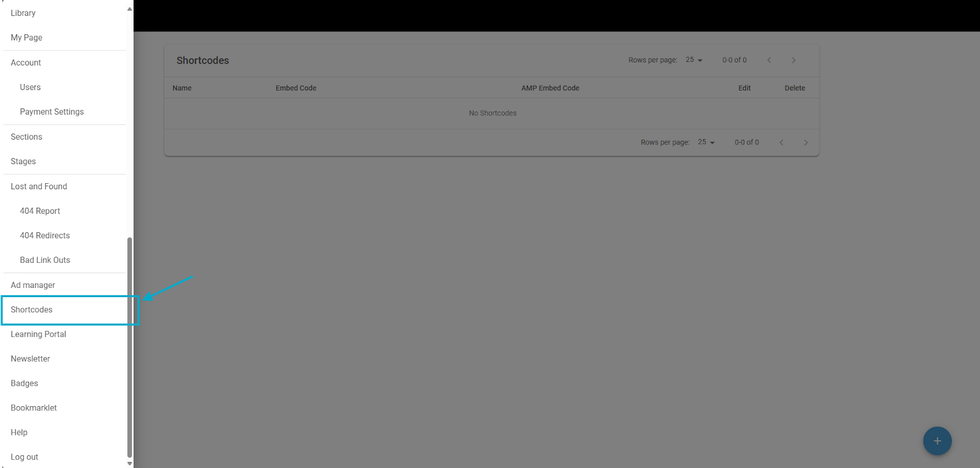
You can effortlessly add, store, and reuse any code snippets in your Shortcodes Dashboard. For quick access, simply append /core/dashboard/shortcodes to your site's main URL. Alternatively, you can access the Shortcodes Dashboard by clicking the hamburger menu (☰) in the top-left corner of your Posts Dashboard, scrolling down, and selecting Shortcodes.


