


On RebelMouse, you have the option to assign badges to specific posts and authors. Some sites in our network use badges to highlight their promoted content, while others simply use them as a fun way to categorize content.
How to Access
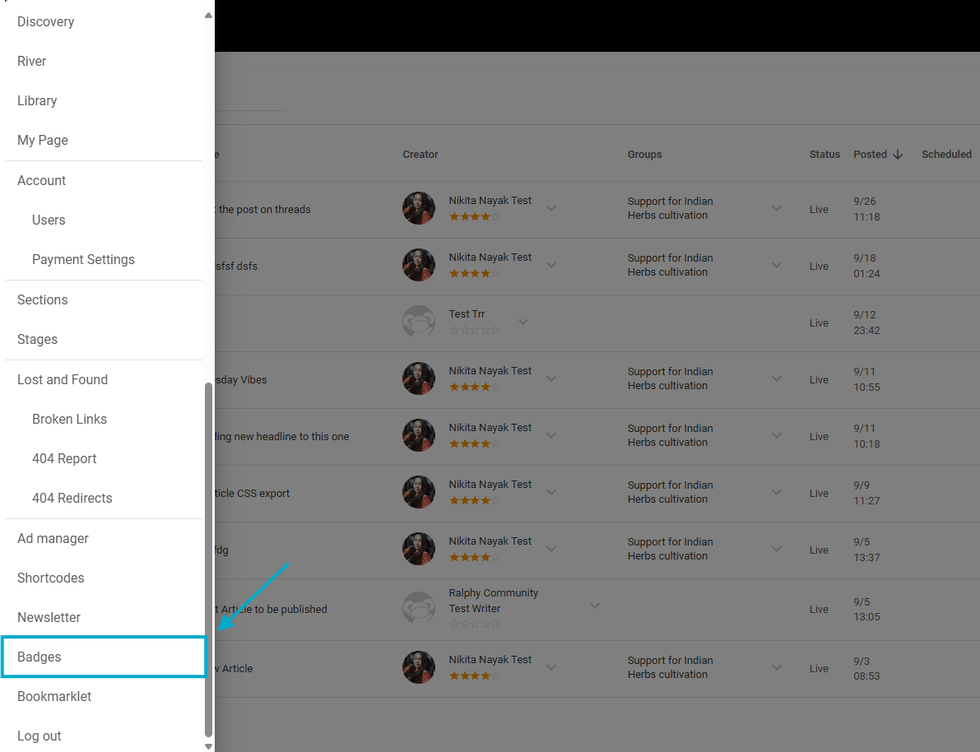
To configure badges for your site, add the following path to your site's URL: /r/dashboard/badges. Alternatively, you can access it by clicking the hamburger menu (☰) in the top-left corner of your Posts Dashboard, then scrolling down and selecting Badges.


